It requires each new generation of mobile phones to comply more and more precisely in the field of photography. More powerful cameras, sharper images, all kinds of effects, and now zooms that seemed impossible a few years ago. And in this field, that is associated with the need for more complete and versatile photo editors.
It has been a long time since you do not have to go through a computer monitor to process a “classic-style” photograph. The screens of mobile phones and tablets are more than enough to have all the photo retouching tools at hand and all you have to do is choose the right tool. Tool or tools, because nobody says that multiple editors cannot coexist on the same phone. So here we bring you what we consider the best and choosing the most appropriate for what you are looking for will be in your hands.
1.- Adobe Photoshop Express
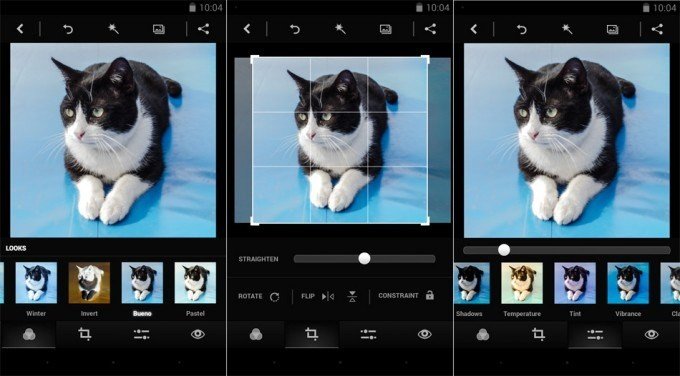
Adobe is the leader in photographic processing and retouching in the PC world, and it was logical that it had a tool in the mobile ecosystem as well. And it has it; in fact, it has several. Photoshop Express is one of them, a simplified version of Photoshop that is used in desktop environments, and that includes everything from the most common effects to others that are not as common. Download it on Google Play, it’s free.
2.- Adobe Photoshop Fix
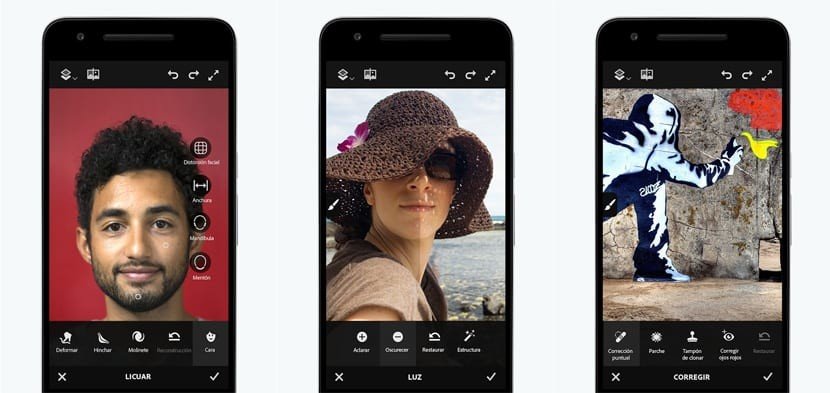
We are still in the land of Photoshop and now we are moving towards Fix, another Android application focused more on the occasional retouching of photographs than on a more complete treatment. Still, it perfectly meets what we ask and we are from skin retouching, to remove objects that we do not want in the frame, deformation treatment, and more. It is not the best app from its creators but it is functional.
3.- Adobe Lightroom
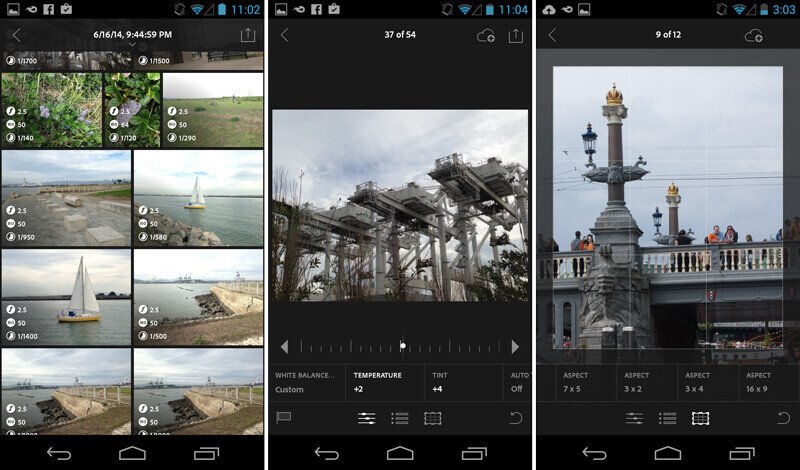
Possibly the second-star Adobe app in the world of photography. Focused on adjusting the levels of the photographs and not so in the retouching, something that is done with the classic Photoshop or, in the case of the mobile, the Express. With Lightroom, we find a process of the image separated by colors, with the possibility of lifting leftovers, dimming lights, retouching all kinds of levels, and everything on our mobile phone. Note that it is also capable of working with RAW files, which is always a plus.
4.- VSCO
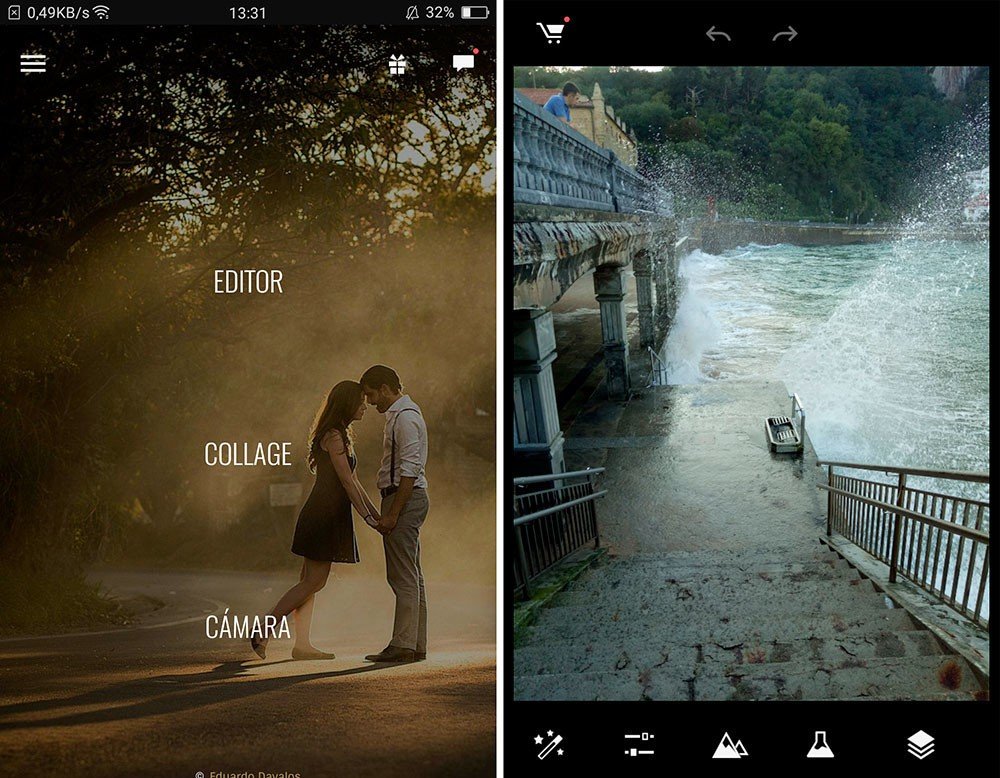
One of the classics of mobile photo editing, VSCO, also has a strong presence on Android. Simple but powerful edition, with a series of quite characteristic filters that allow you to quickly identify the origin of the process. In addition to everything we can do with it, basically process but not touch up with a brush and the like, we will have an own “social media” for the app, with galleries, contacts, labels, etc.
5.- Snapseed
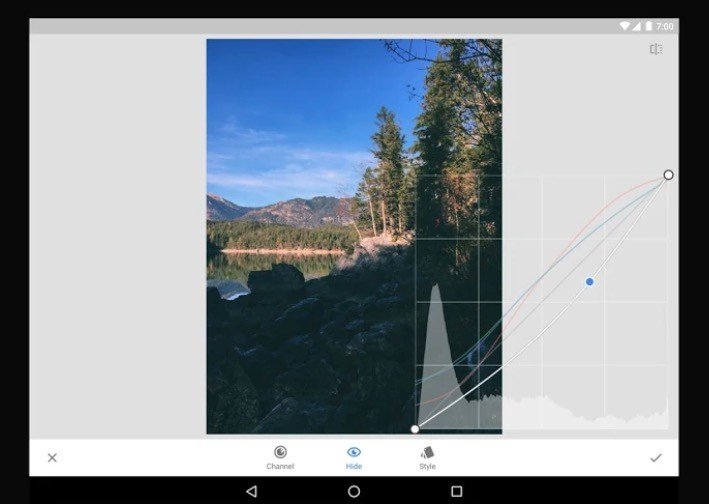
One of the veterans in the sector, the Snapseed that ended up being bought by Google. Here we find a good combination of simplicity with a large number of tools that we may take time to adapt to, but that show great power. As in other apps, we will also have default filters to apply, if we prefer to leave the settings in the hands of the application. A curiosity of Snapseed is that we can “reuse” adjustments of some photographs for others, allowing us to process in a block in a very similar way, for example, to create catalogs or series.
6.- Aviary
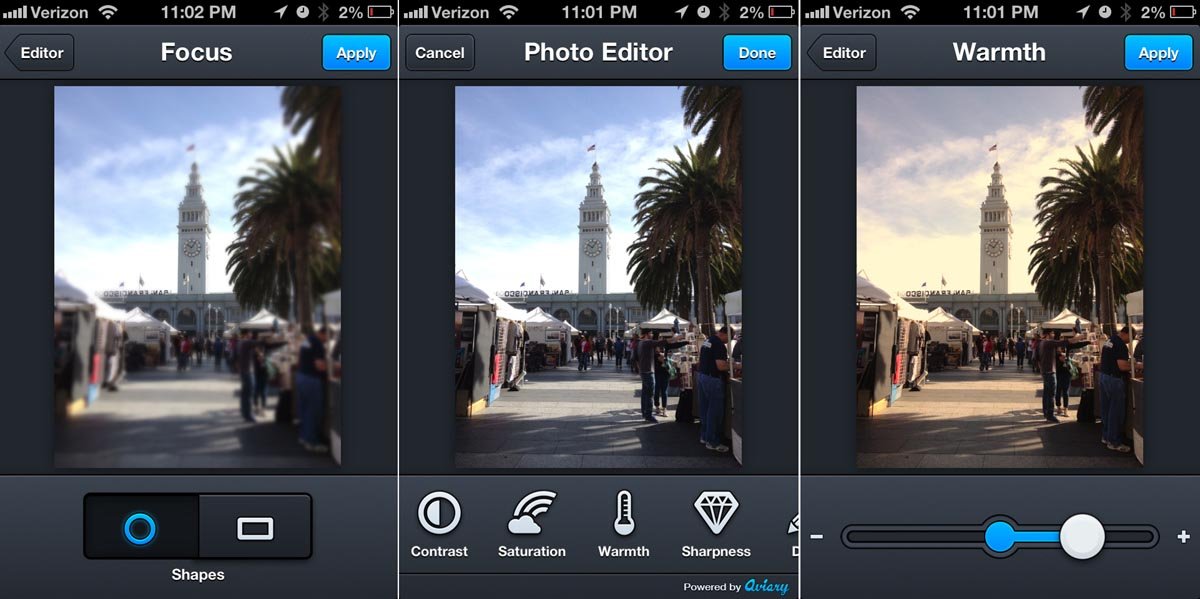
Another complete editor that we find in Google Play is Aviary, which has long redesigned its interface and allows us to do practically everything to a photograph. From retouching, focusing photos, adjusting levels, or correcting red eyes to others such as adding text, stickers, and even drawings. As a big downside, at Aviary we have a multitude of touch-up effect packs that, unfortunately, are extra. So maybe the main app is limited by this fact, but it doesn’t make it less powerful.
7.- Autodesk Pixlr
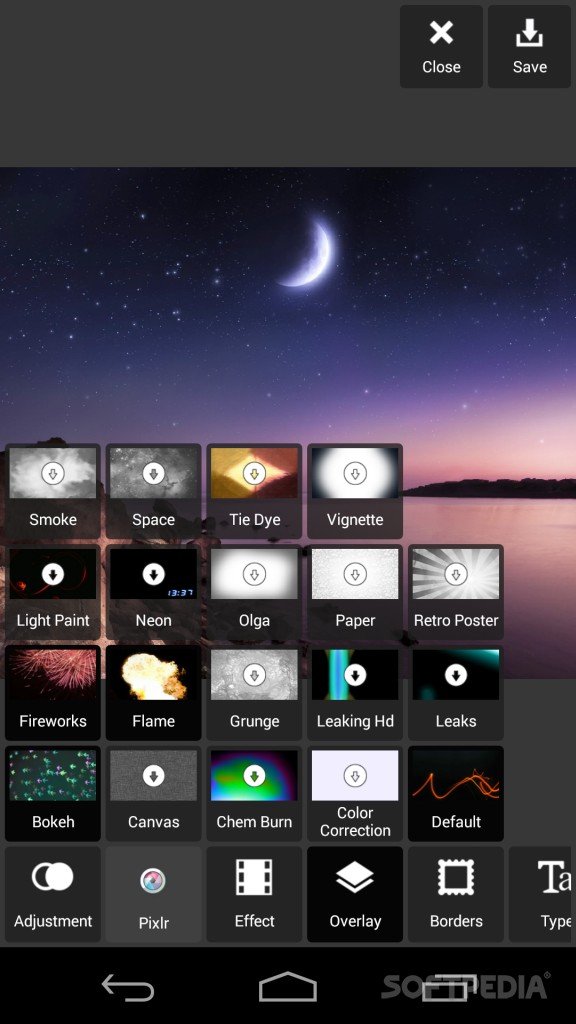
Autodesk is another software heavyweight that has a foot in photo editing, in this case for mobile, with Pixlr. A kind of the equivalent of Photoshop and which in turn becomes one of the most powerful that we can find in the mobile ecosystem. We will have touch up with a brush and touch up with levels, practically all the options that we can look for in this type of tool. Although the greatest potential of Pixlr is based on its editing brush, very powerful and complete and capable of treating the image by zones.
8.- Fotor Photo Effect Studio
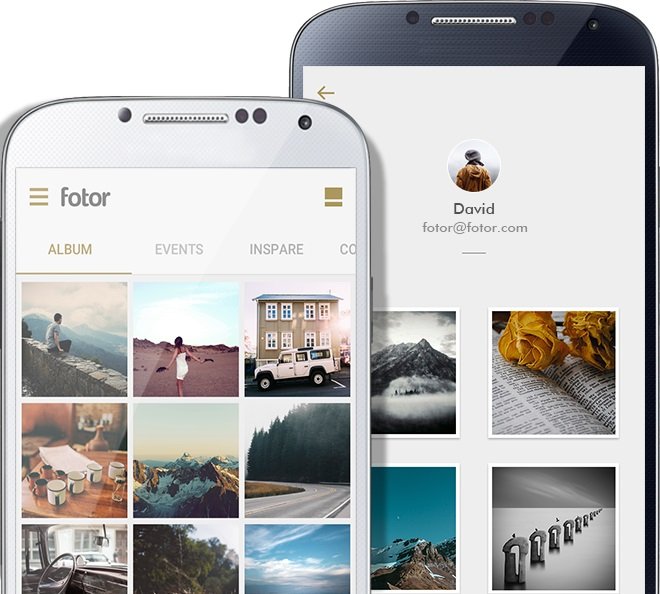
Another simple photo editor in use but powerful in terms of options, and in which we will also find predetermined filters with which to process photos automatically. In addition to everything we can do with the image, either as an archive or captured with the application itself, we have at our disposal a section for scenes with the possibility of adding backlights and other effects. There are also packs of payment filters in addition to stickers, so fashionable today.