The Best Free Apps and Tools of 2020 for Windows 10
The Best Free Apps and Tools of 2020 for Windows 10

Today we bring you a compilation with the best free applications for Windows 10. We have tried to have a balanced list, with essential programs that are already veterans for inexperienced users, but also some of the latest essential news for veteran users who want to explore a little more.
We know that we may have left out one of those that you consider better than the one we have mentioned here and that you think deserves a chance to be on the list. Therefore, we invite you to leave us your proposals in the comments section.
1.- Calibre
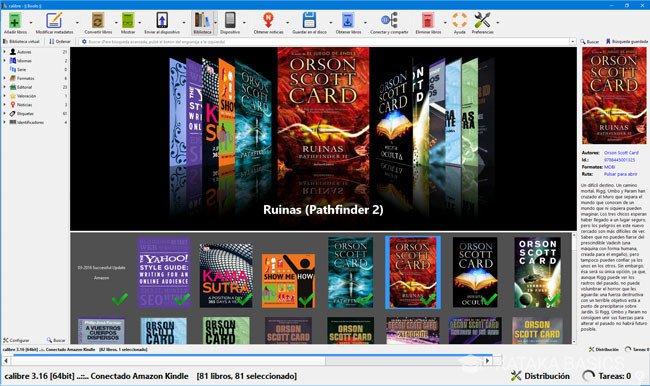
If you like ebooks, this is simply a must-have app. With it, you can manage your virtual library, and convert your ebooks into different formats. It is popular for allowing you, among other things, to free up your Kindle in order to put books into it, converting its different formats like ePub into the native Amazon.
It also allows you to download newspapers, your favorite websites, or read from the same application. You can do dictionary searches, view books on your PC or connected eBook, randomly read books, do format conversions, or edit metadata for e-books you have. All this is available for Windows, macOS, and GNU / Linux.
2.- Dashlane

There are many password managers on the market, and although native solutions such as Chrome’s own manager can be worth too many people, if you are looking for a somewhat more complete manager, with good design and that integrates with all Windows and its apps, Dashlane is one of the best options. Both for its design and for its options and compatibility.
You can create a free account that works on a device, such as your PC. Once the app is installed, you can use it to manage your passwords, autocomplete forms and payment details, and even receive alerts when you have to change a password because it has been filtered or the service has had security problems. In its paid version, you can also synchronize them with other devices such as mobile.
3.- DaVinci Resolve
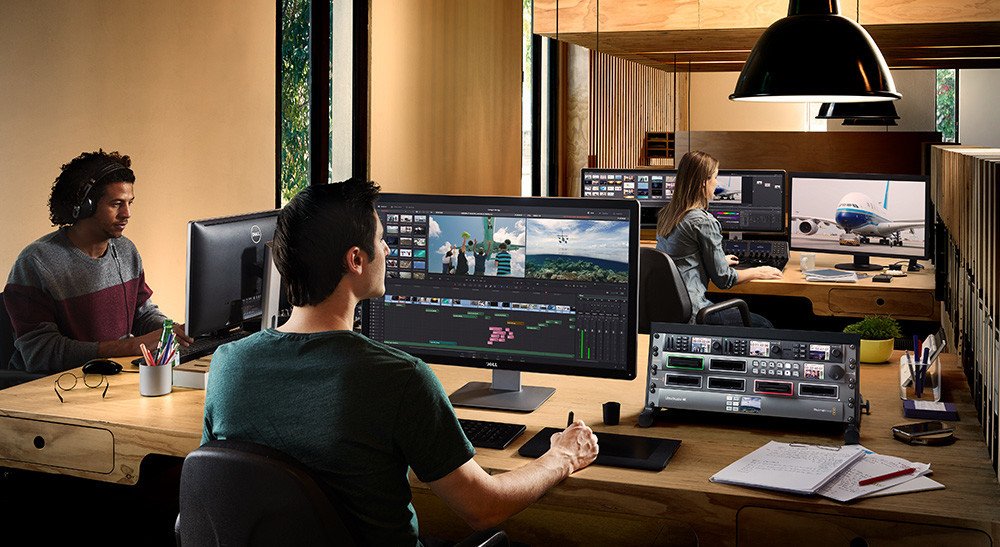
It is one of the best professional video editors you can find in Windows, and it has a free version with tools for editing processes, visual effects, graphic animations, grading, and audio post-production in a single application.
Of course, if you are a professional you should know that its paid version adds a neural engine, collaboration options, stereoscopic tools, dozens of ResolveFX and FairlightFX add-ons, HDR color grading, and graininess effects to the free version, blur, and fog. However, the free one is already a good starting point for your home editions.
4.- DarkTable
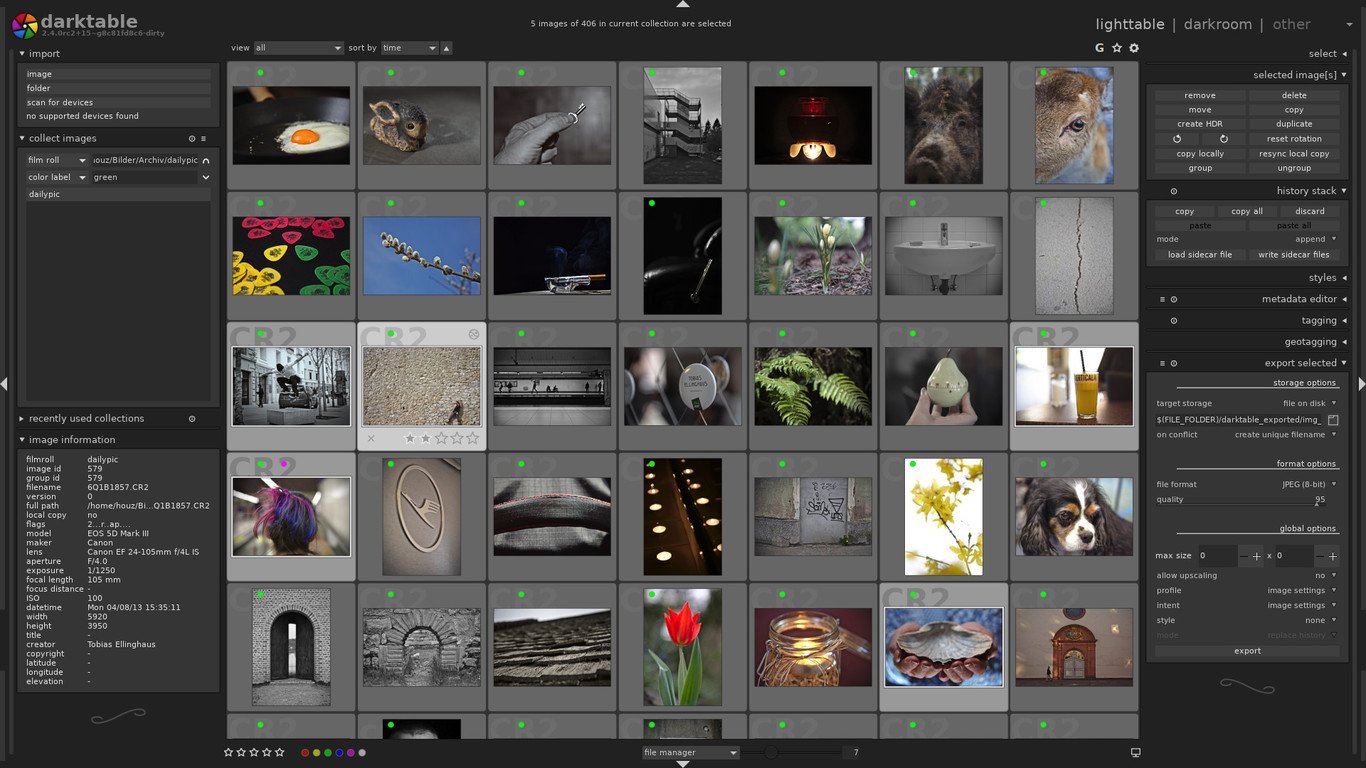
For many DarkTable is the closest thing to Lightroom you can get for free and in a free software project. It is a photography workflow application that offers RAW development, image editing, and retouching. DarkTable is available for Windows, macOS, and packaged for multiple Linux distributions.
5.- Everything
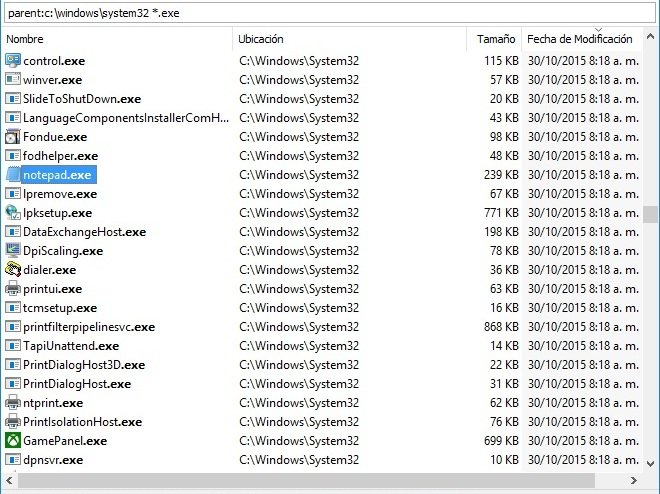
If you have looked at the Windows Explorer search engine, you will see that it does not actually search the entire system, but only selects some applications. If what you want when doing a search is that absolutely all the results appear, one of the best alternatives is to use Everything.
It is a desktop search engine for Windows that locates files and folders very quickly and also searches the entire system. The tool works with all versions of Windows, from XP to Windows 10 and also, and it is free software.
6.- Gparted
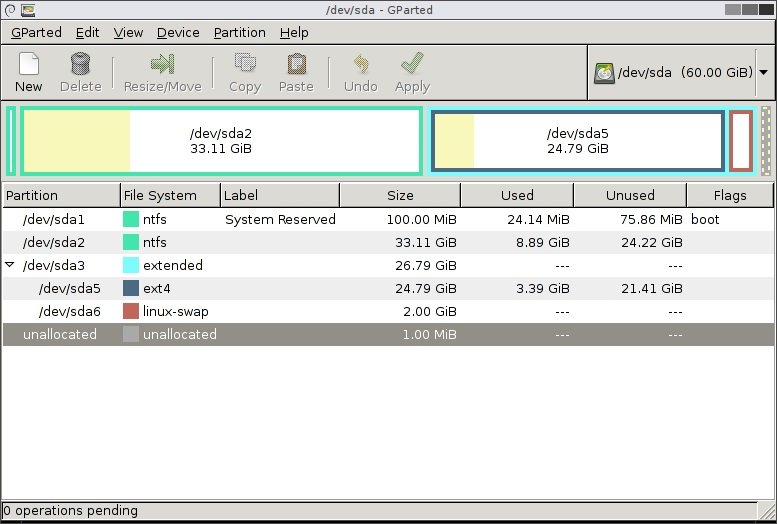
If you are looking for an alternative to the native Windows partition tool, Gparted has been one of the best free alternatives for years. You can create, delete, resize or move each partition, among other things, all by manipulating practically all available file systems. You can also create an executable USB at system startup to manipulate hard drive partitions without booting Windows.
7.- IrfanView
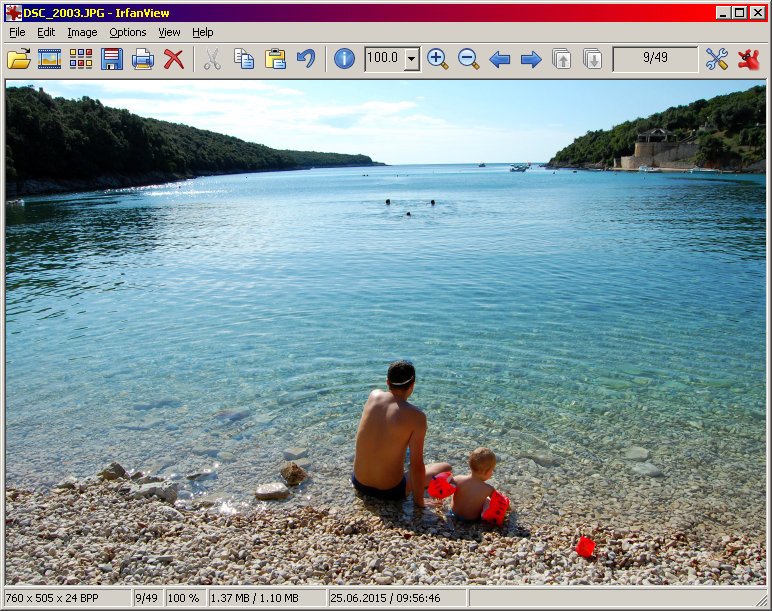
This application has been almost two decades is one of the largest and best alternatives for viewing images that exist in Windows. Therefore it is perfect if you think that the default tool has a lot to be desired. As it has been in Windows for so many years, it is compatible with the disappeared Windows XP to Windows 10, so you can use it even with that old computer that you still have in a drawer.
Another of its advantages is that the application not only serves to view images but also allows them to be converted by passing them from one format to another, optimizing them, scanning them, and even printing them. It allows you to create slide shows, process several in groups, and much more through its plugins.
8.- Notion
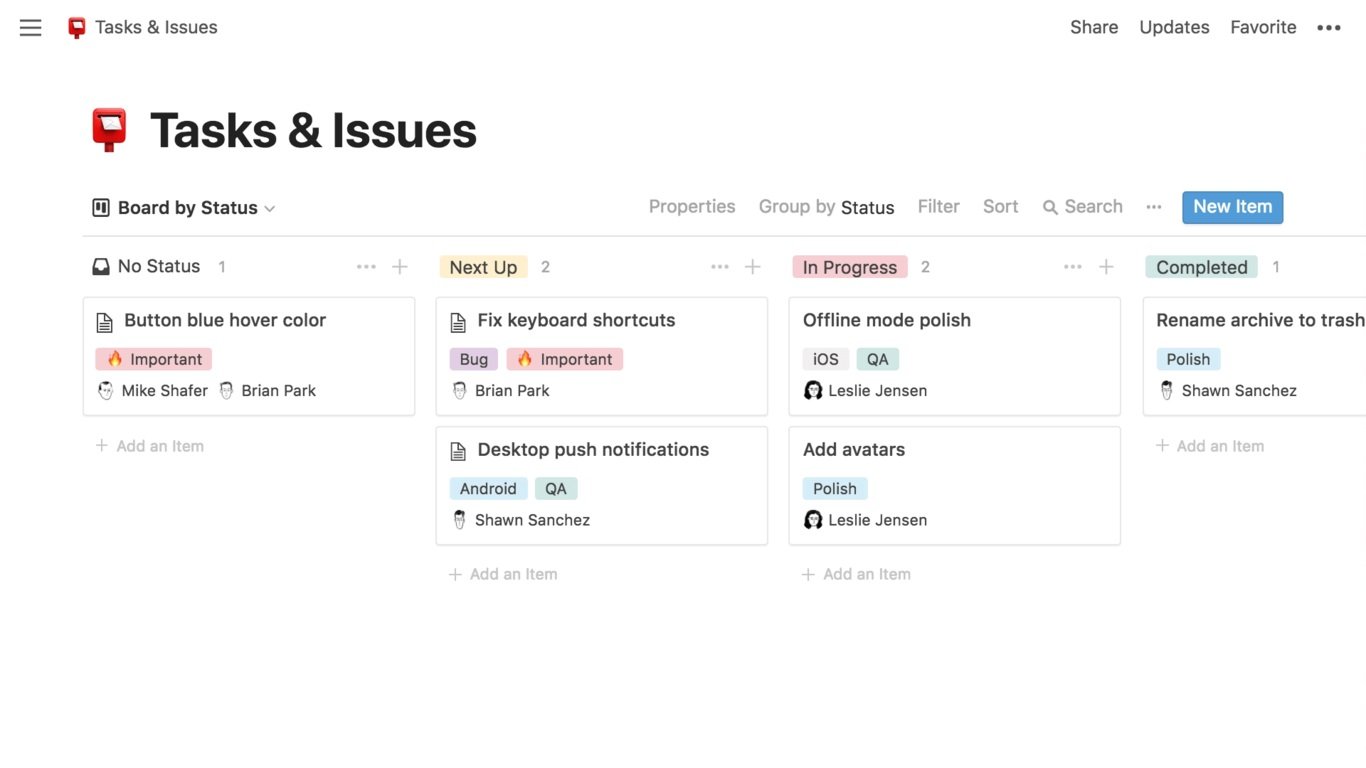
This is one of the most interesting and complete productivity tools in recent months. It’s basically an all-in-one workspace for managing notes, tasks, calendars, databases, and more. In addition, the app is cross-platform and synchronizes on all devices where you have it installed.
It is excellent for organizing your life, your work, and your teams. It has support for multiple file types that you can import and also for accounts from external services, such as Trello, Asana, Google Docs, Dropbox, etc. You can use it for free with a limit of 1000 items, or you can pay one subscription per month.